System overview
Central access to Windows tools, system information and administration.
Application view
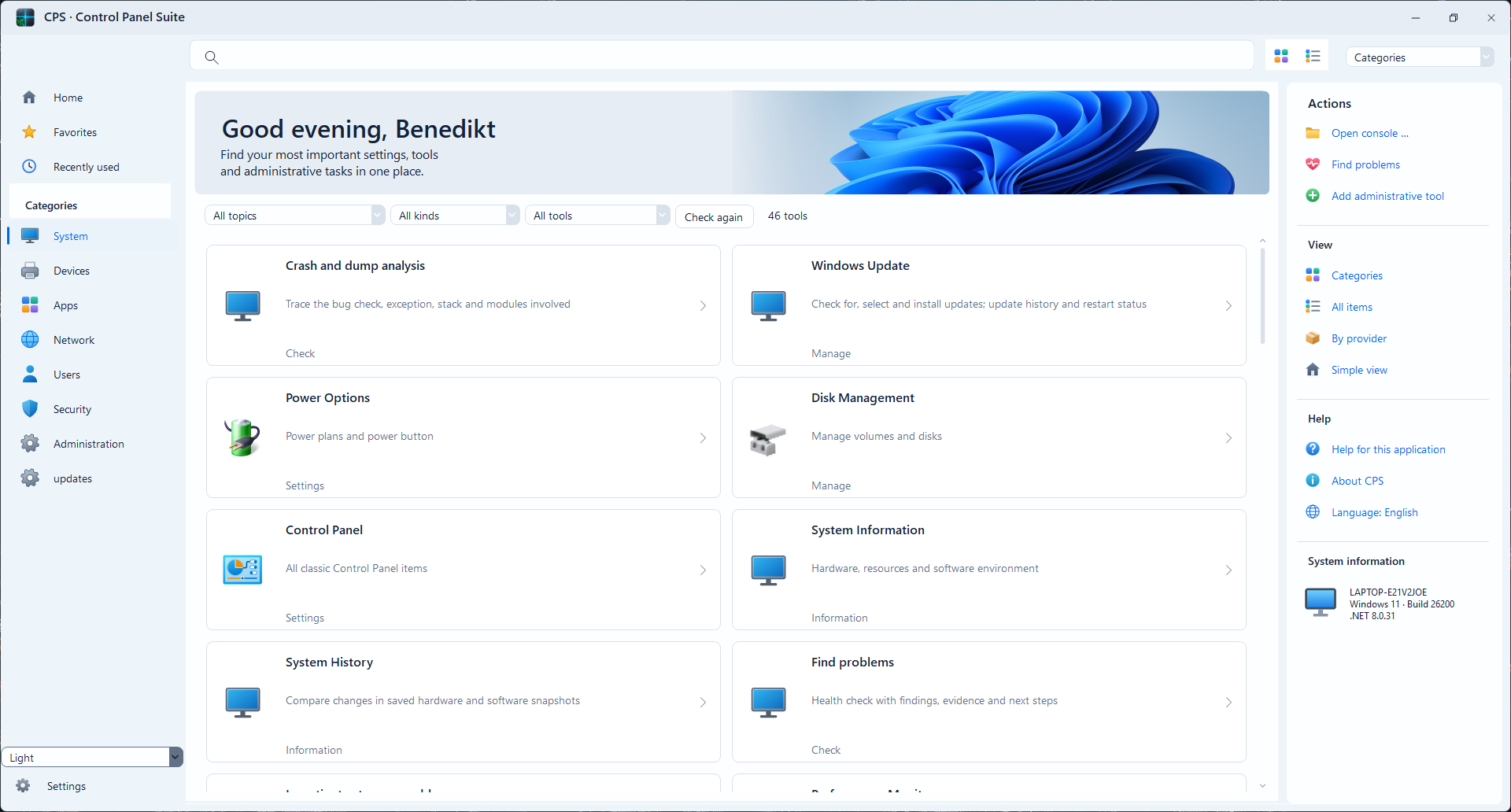
CPS brings hardware information, firmware access, network diagnostics and Windows administration into a modular desktop application.
Windows desktop application
A selection of CPS functions, grouped by task. Availability can depend on Windows version, hardware and permissions.
Central access to Windows tools, system information and administration.
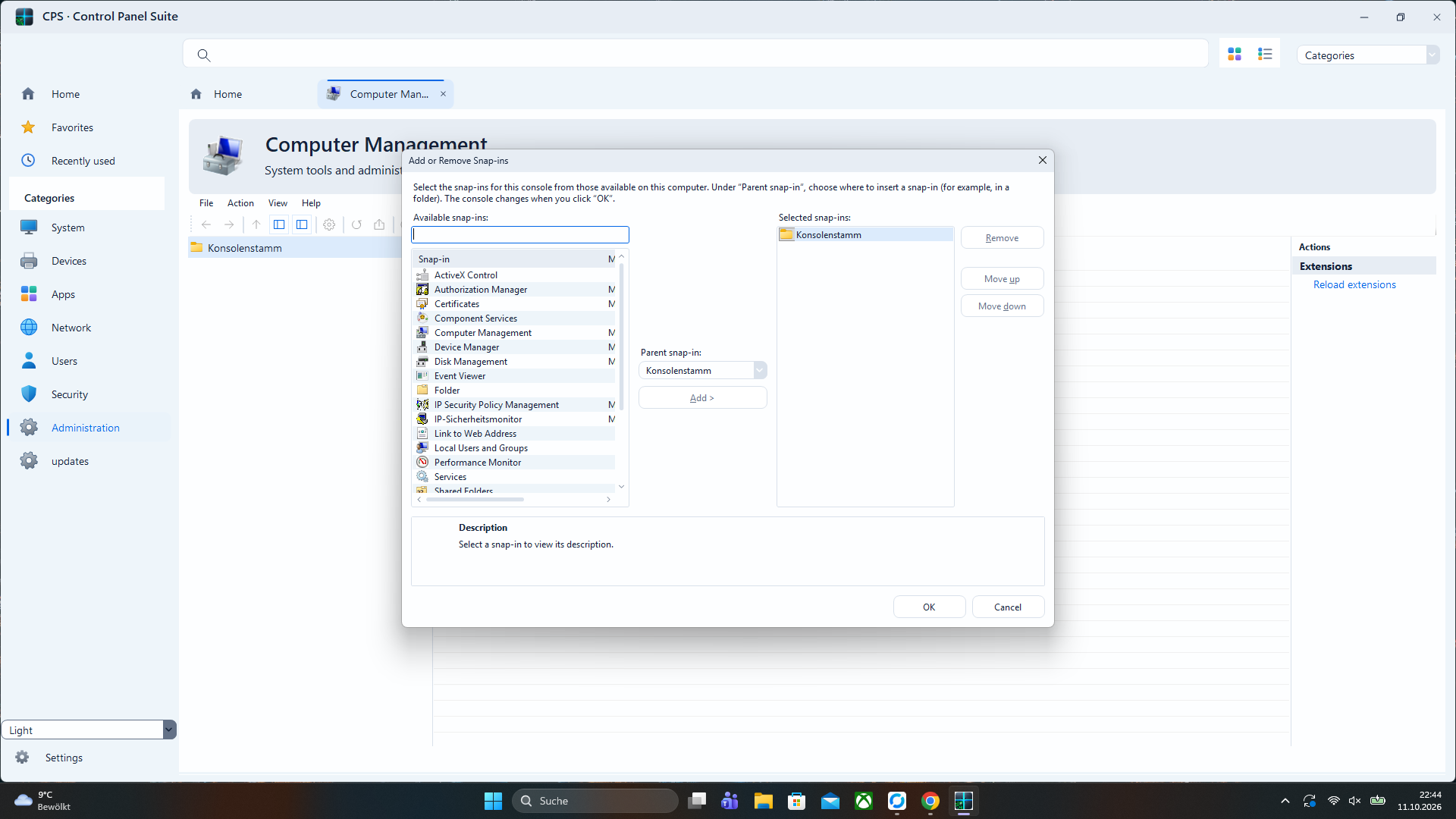
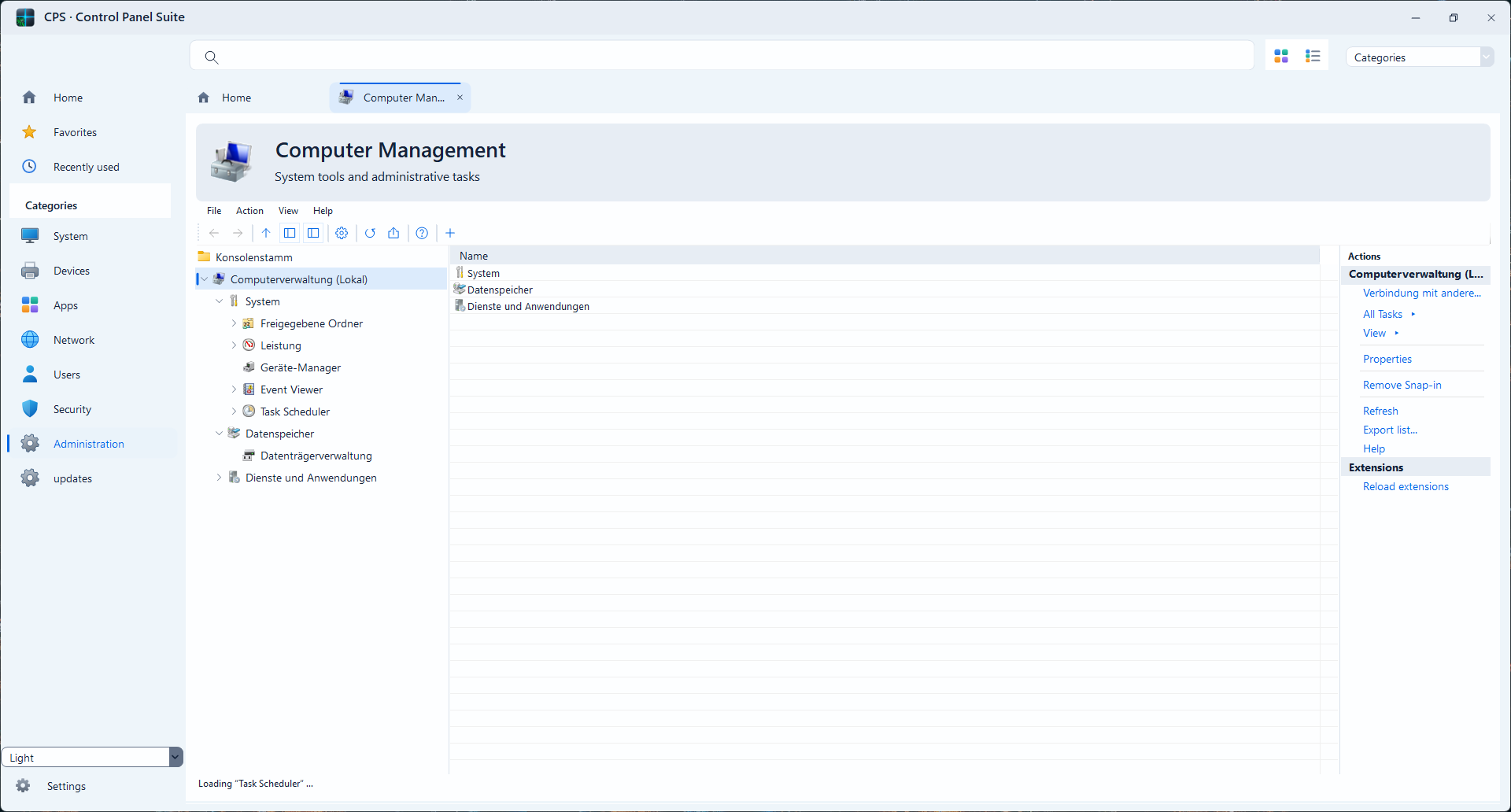
Integration of Microsoft Management Console snap-ins in the CPS interface.
Entry points for users, services, security and Windows configuration.
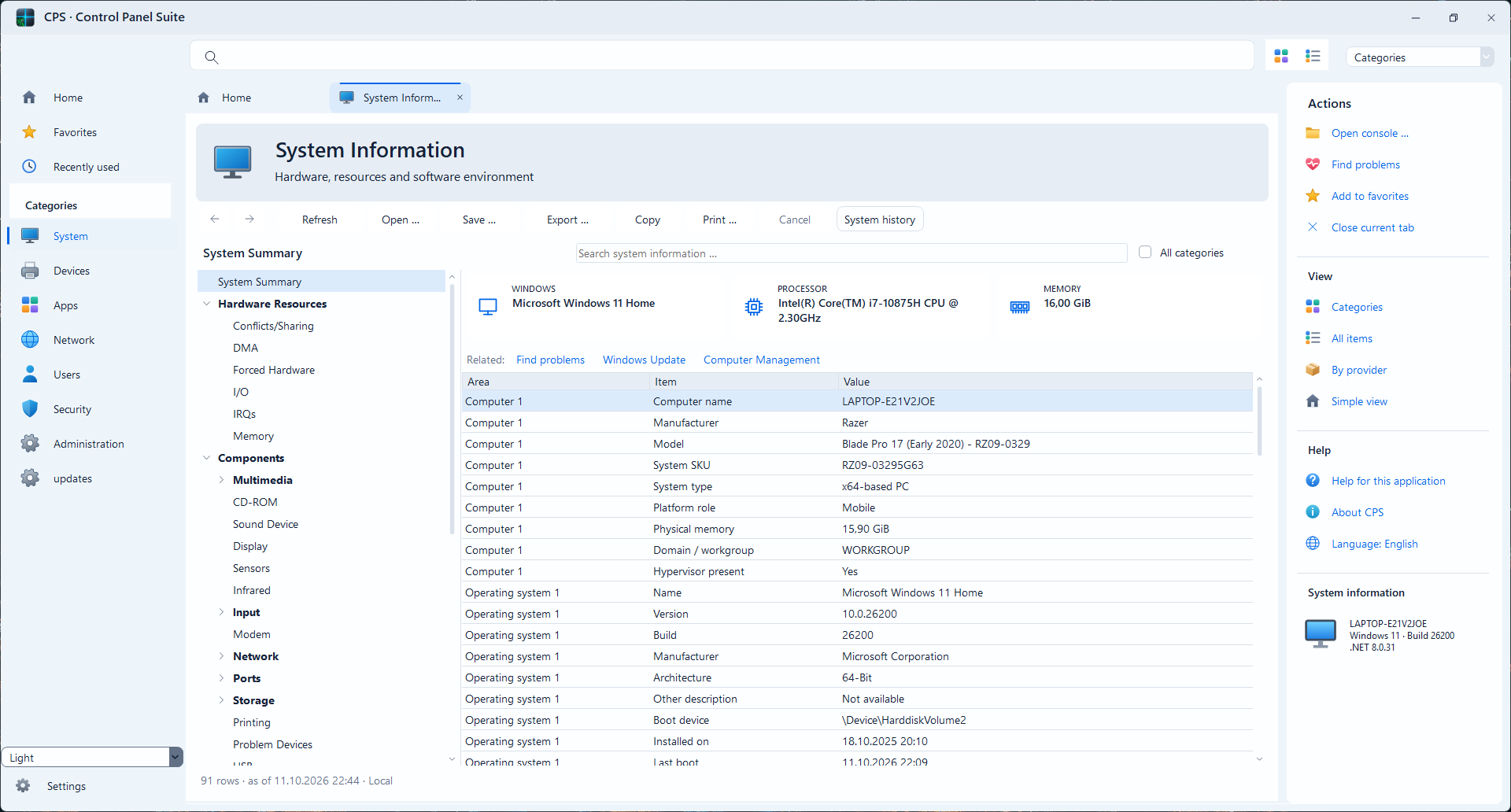
Structured operating system, hardware and device information for diagnosis.
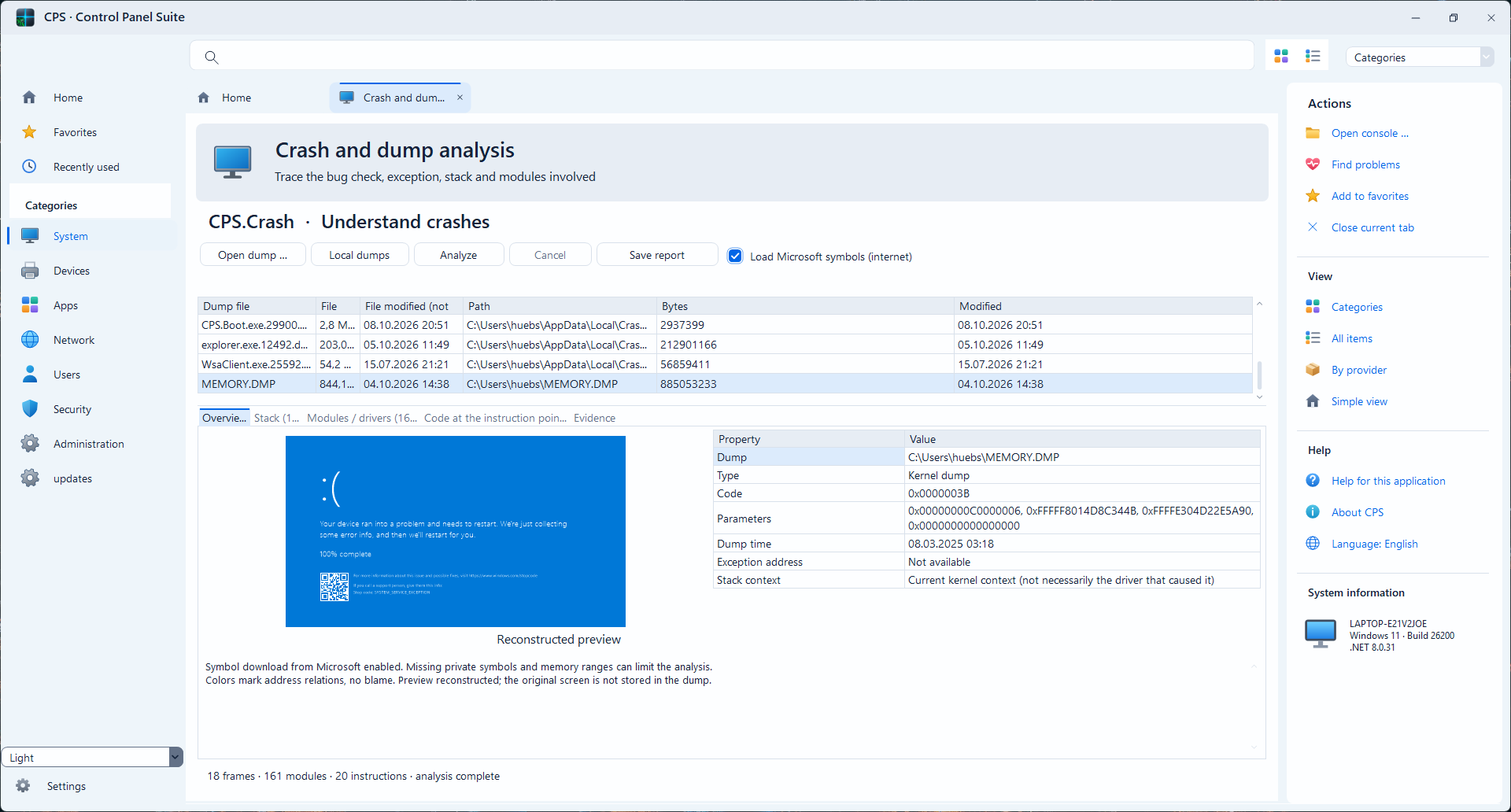
Inspect Windows crash-related information and diagnostic artifacts.
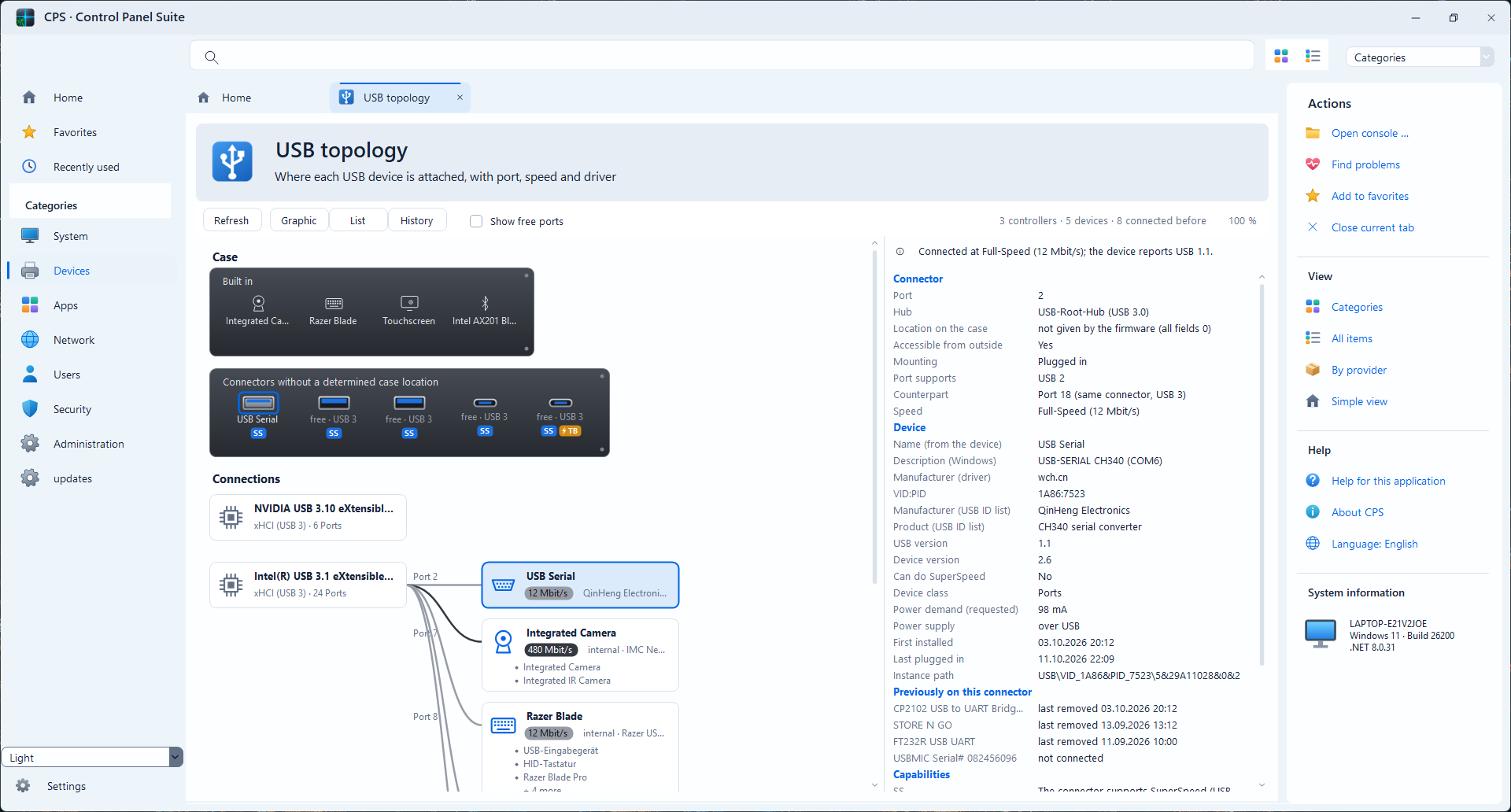
Review USB devices, controllers and connection details.
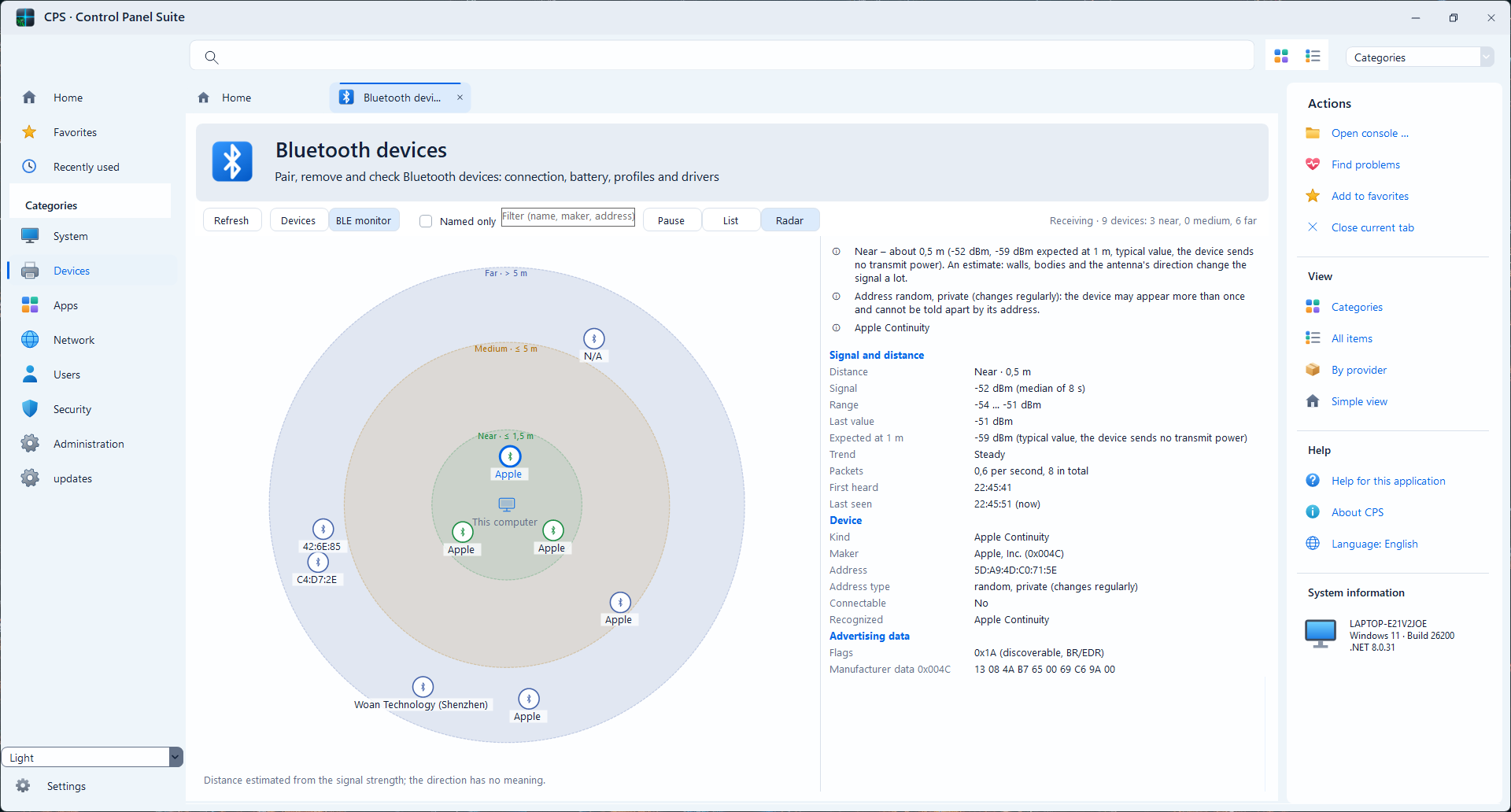
Access adapter and connected-device information.
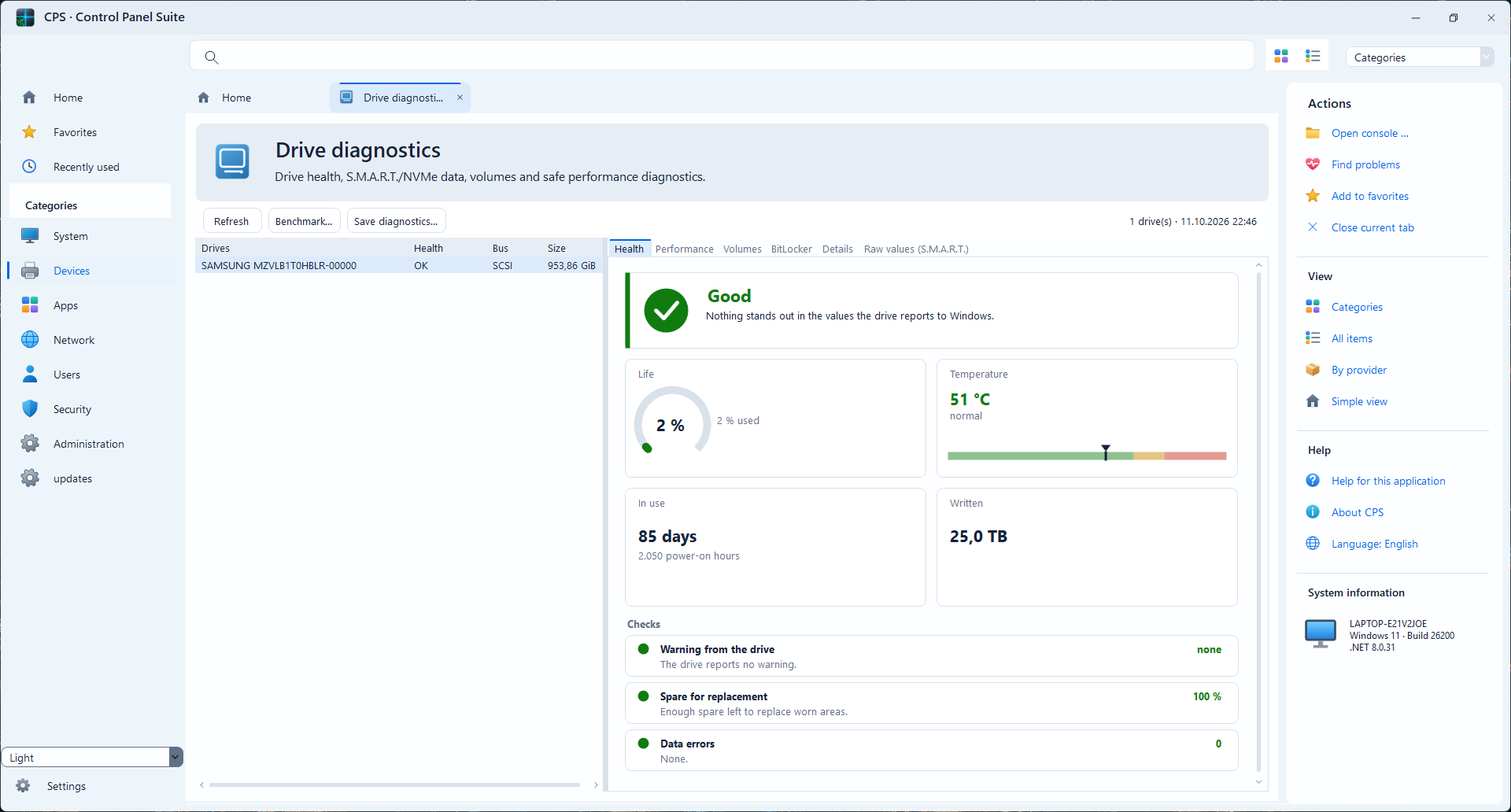
Review storage devices, drives and volumes with related management entry points.
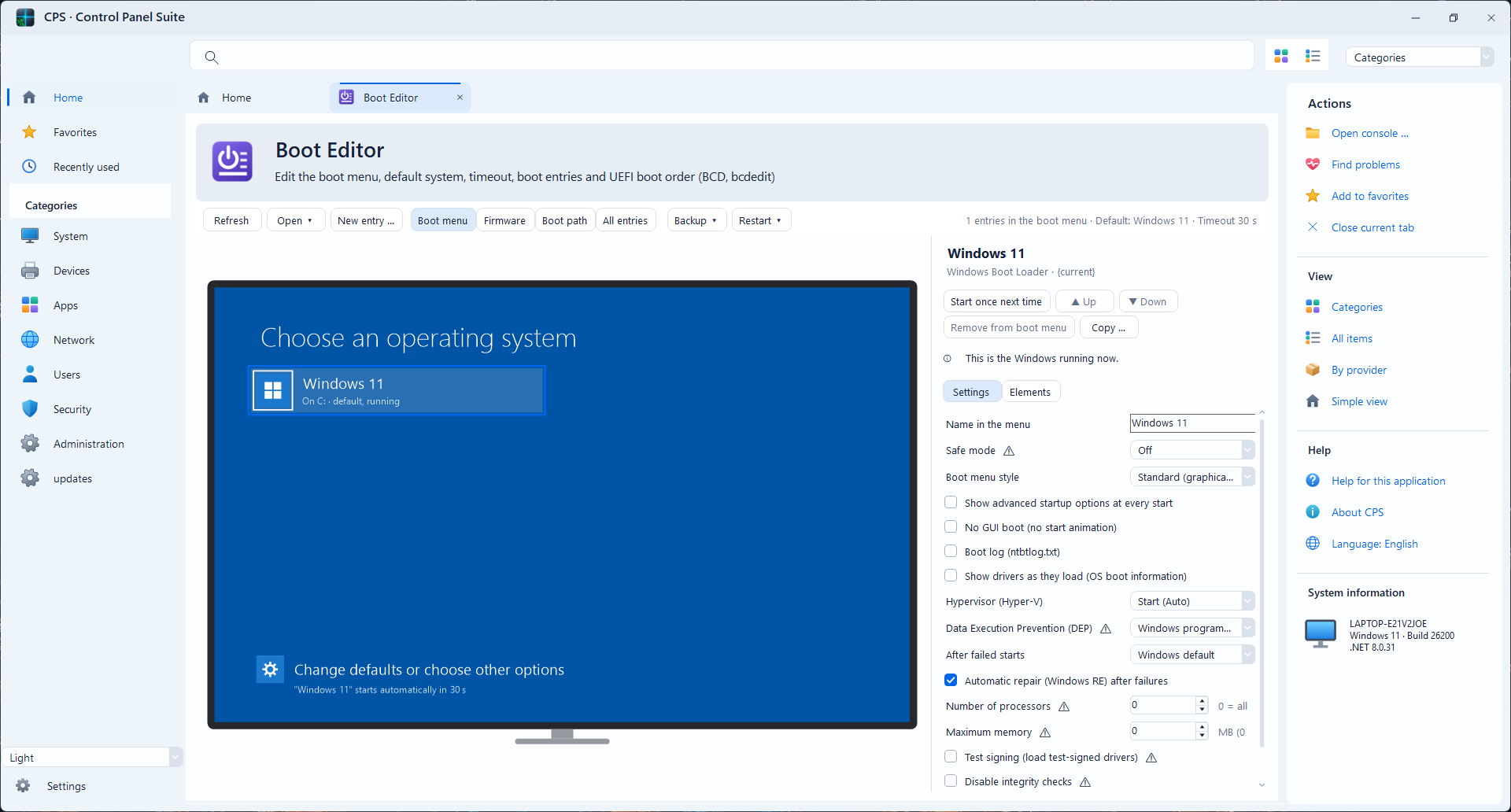
Inspect and manage supported Windows boot entries and multi-boot options.
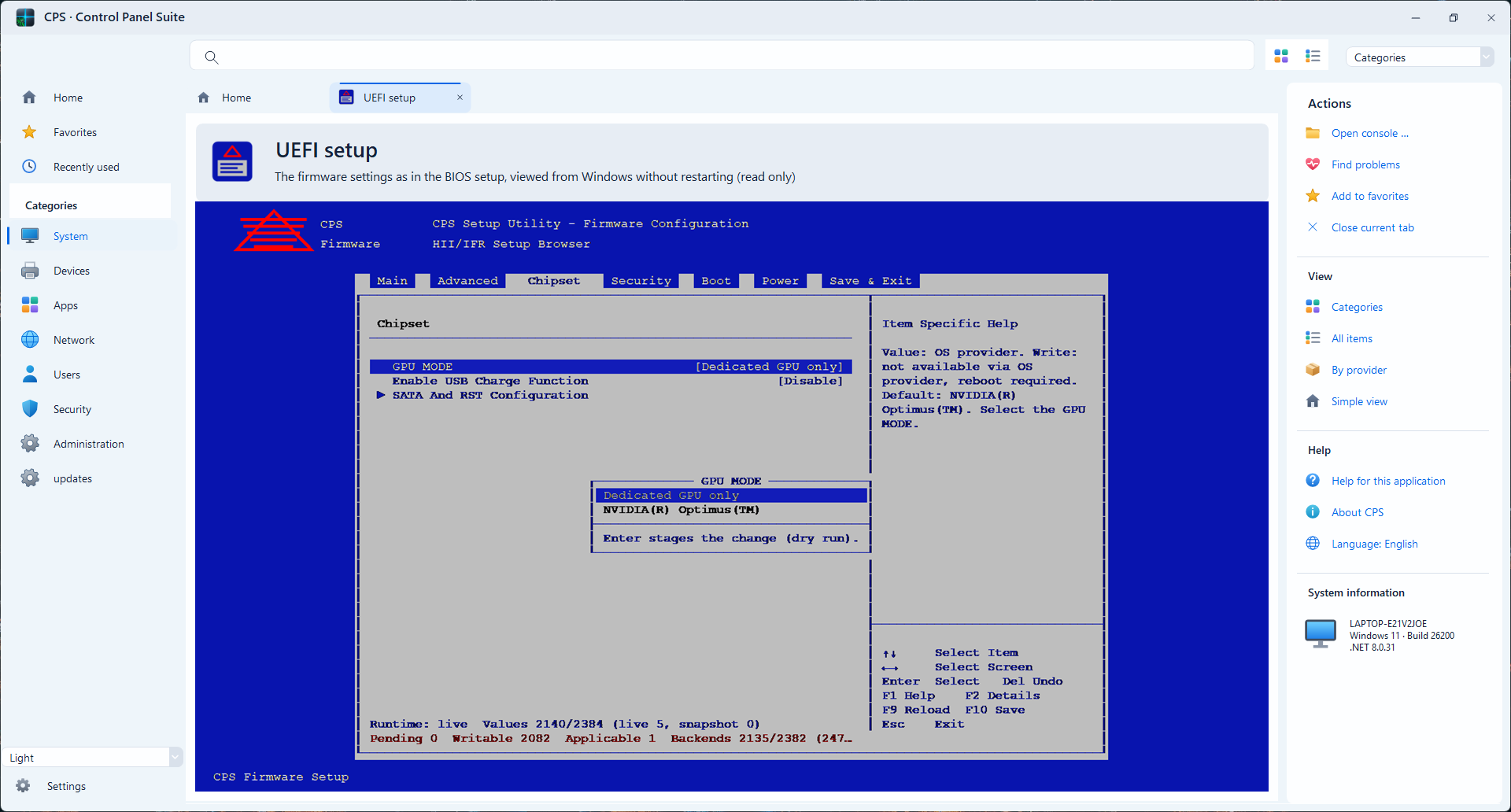
Access supported firmware setup settings directly through the application. Options depend on device firmware.
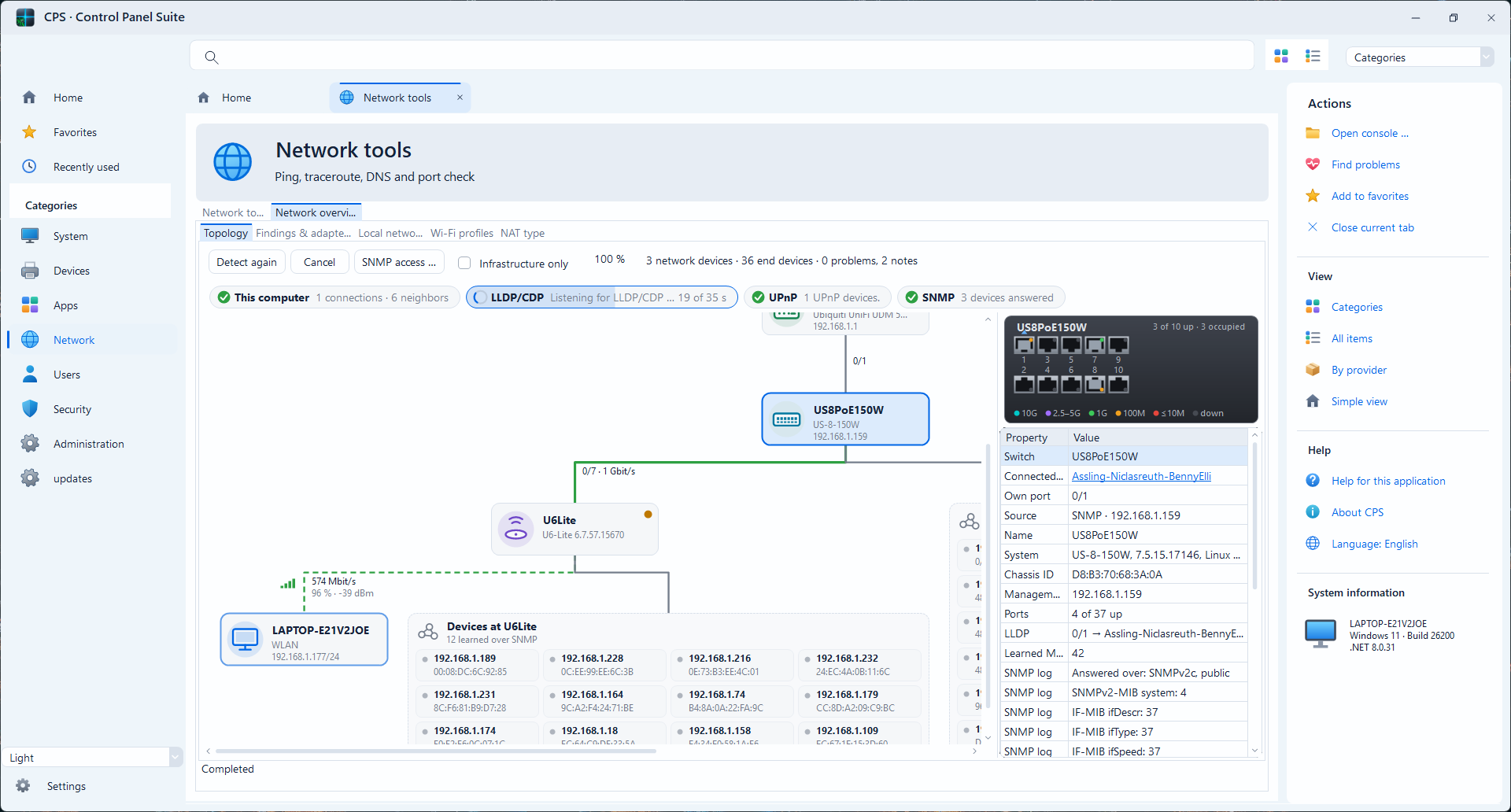
Inspect adapters, IP configuration and DNS settings, with contextual navigation.
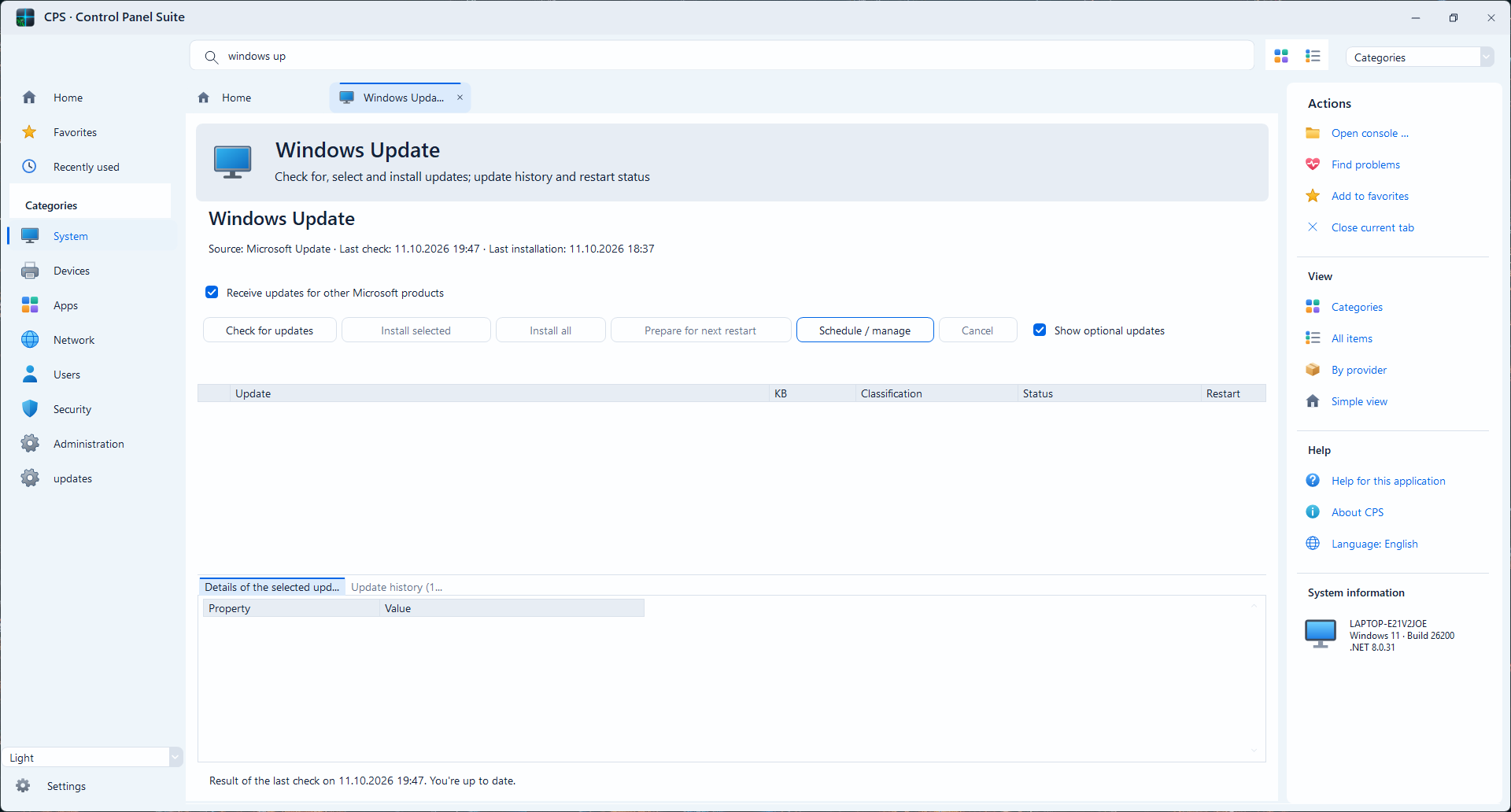
Access update information and related maintenance functions.
Access WinGet-based package and application management.
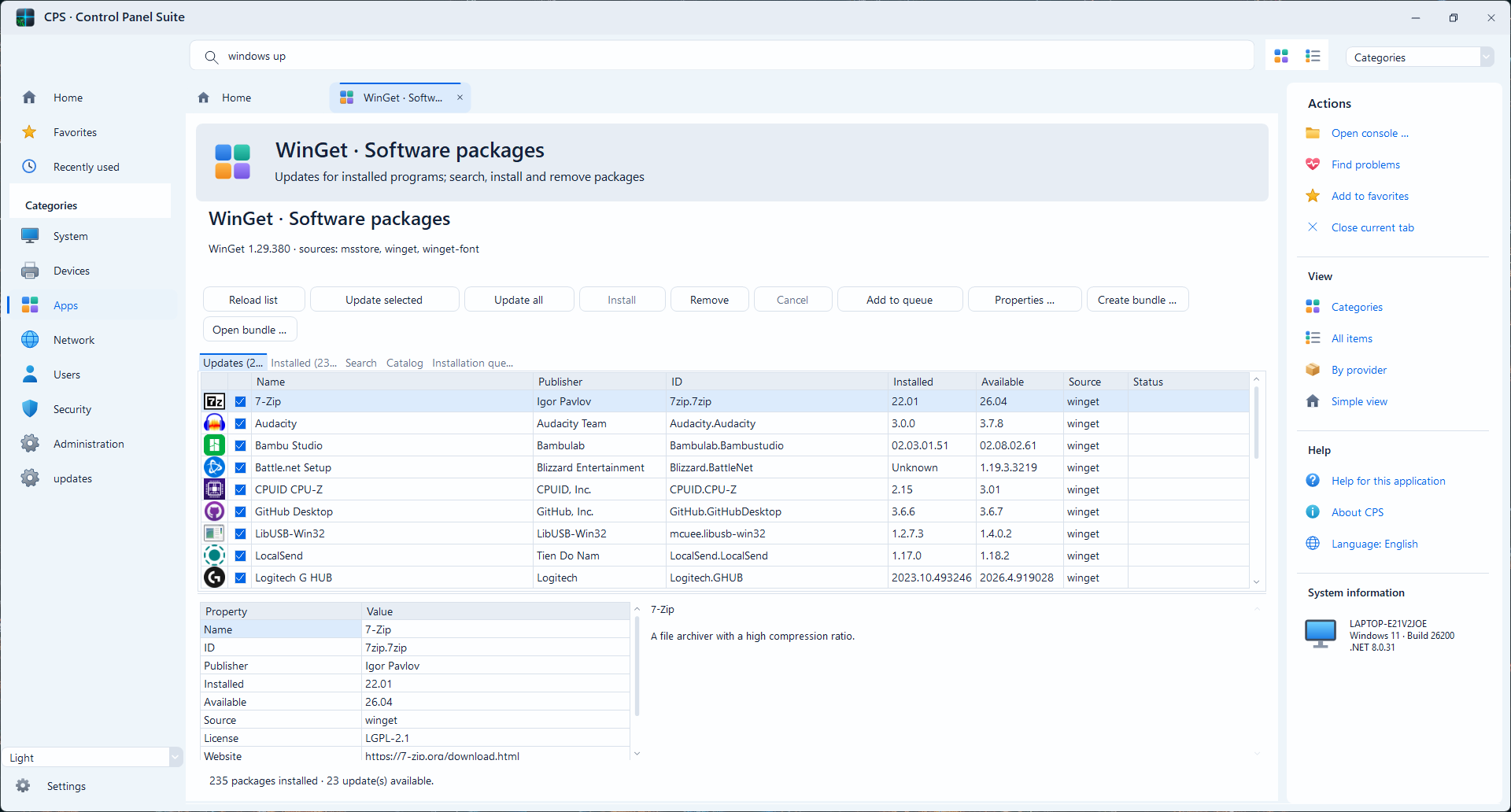
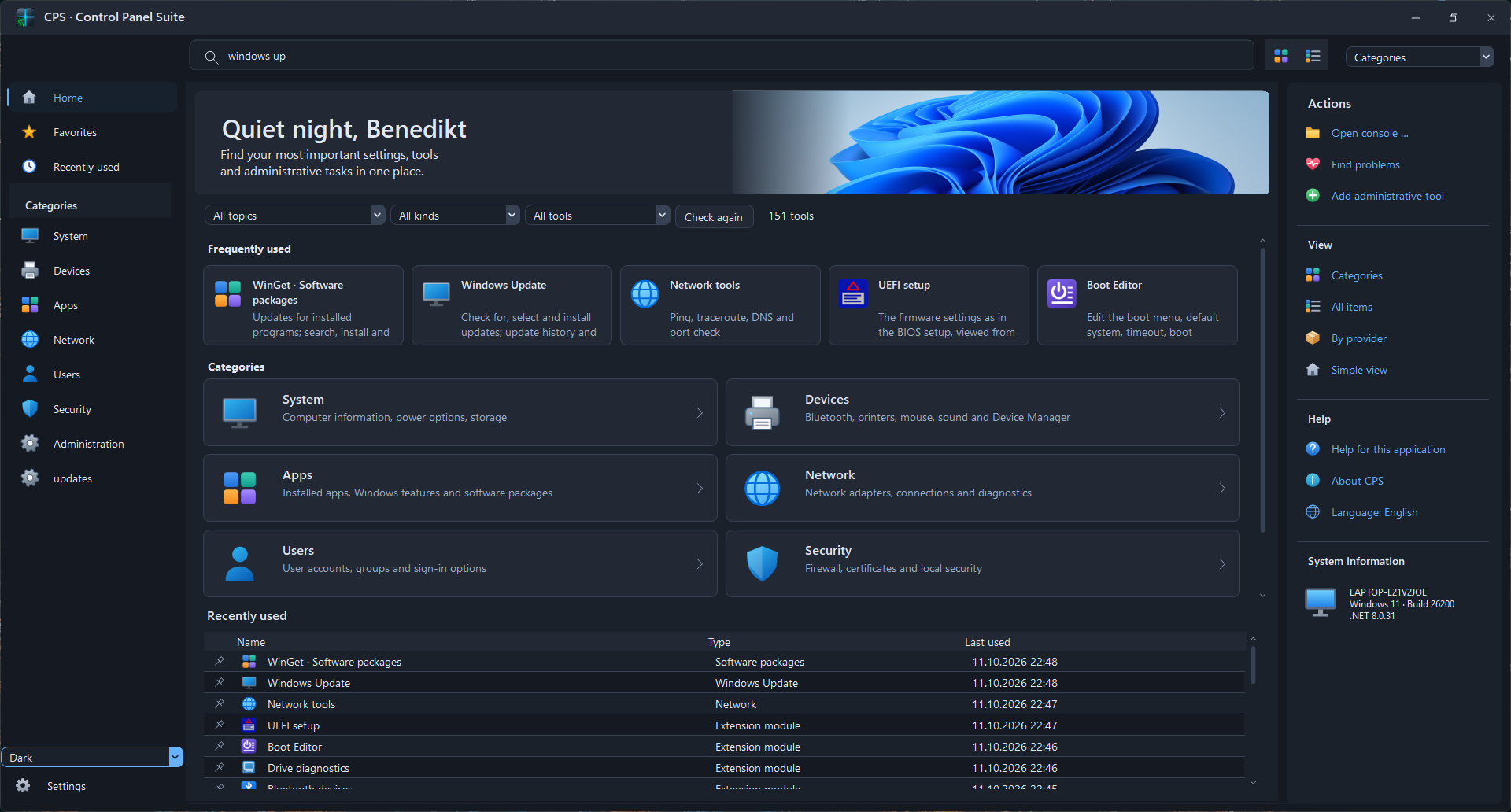
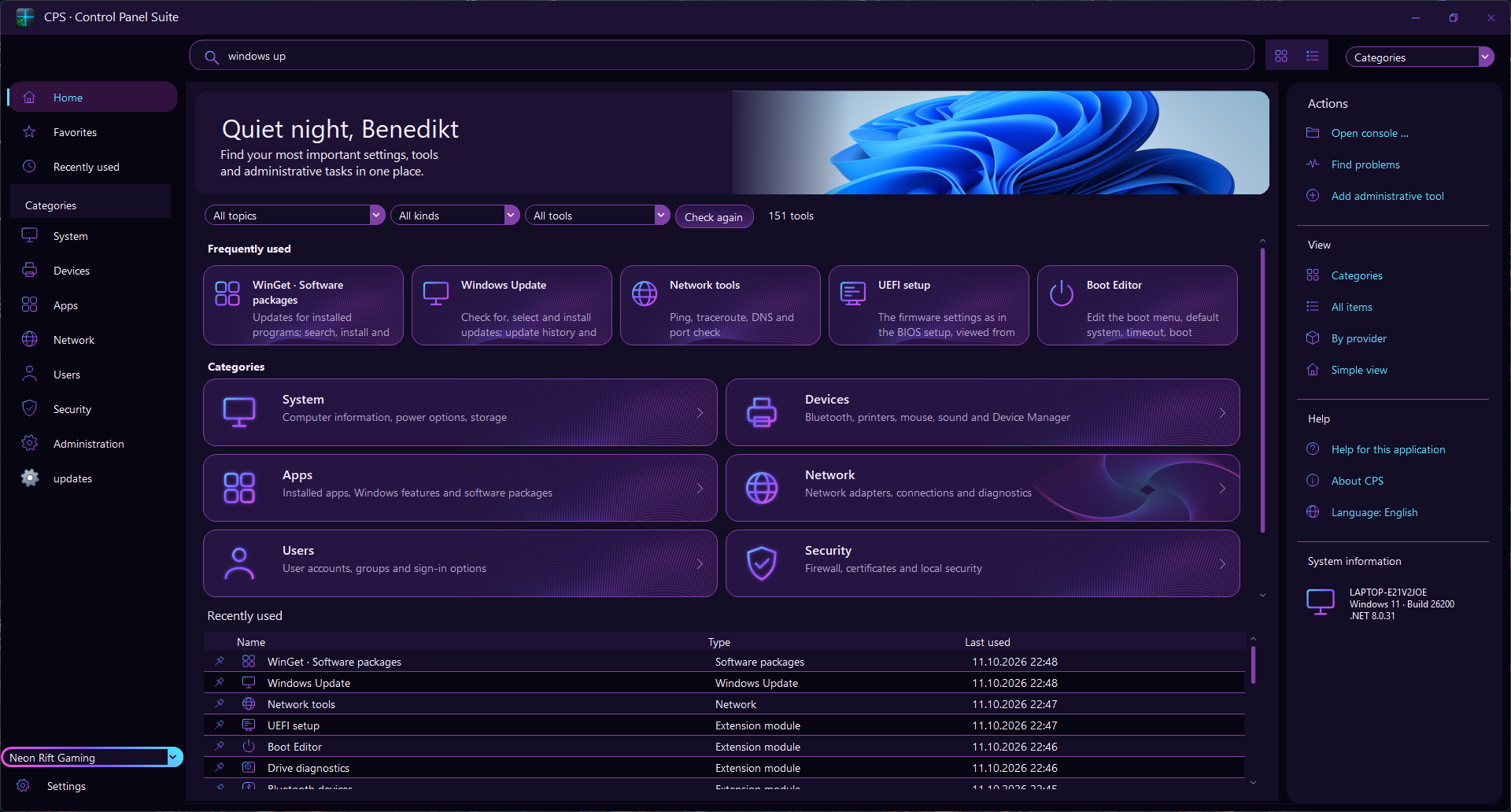
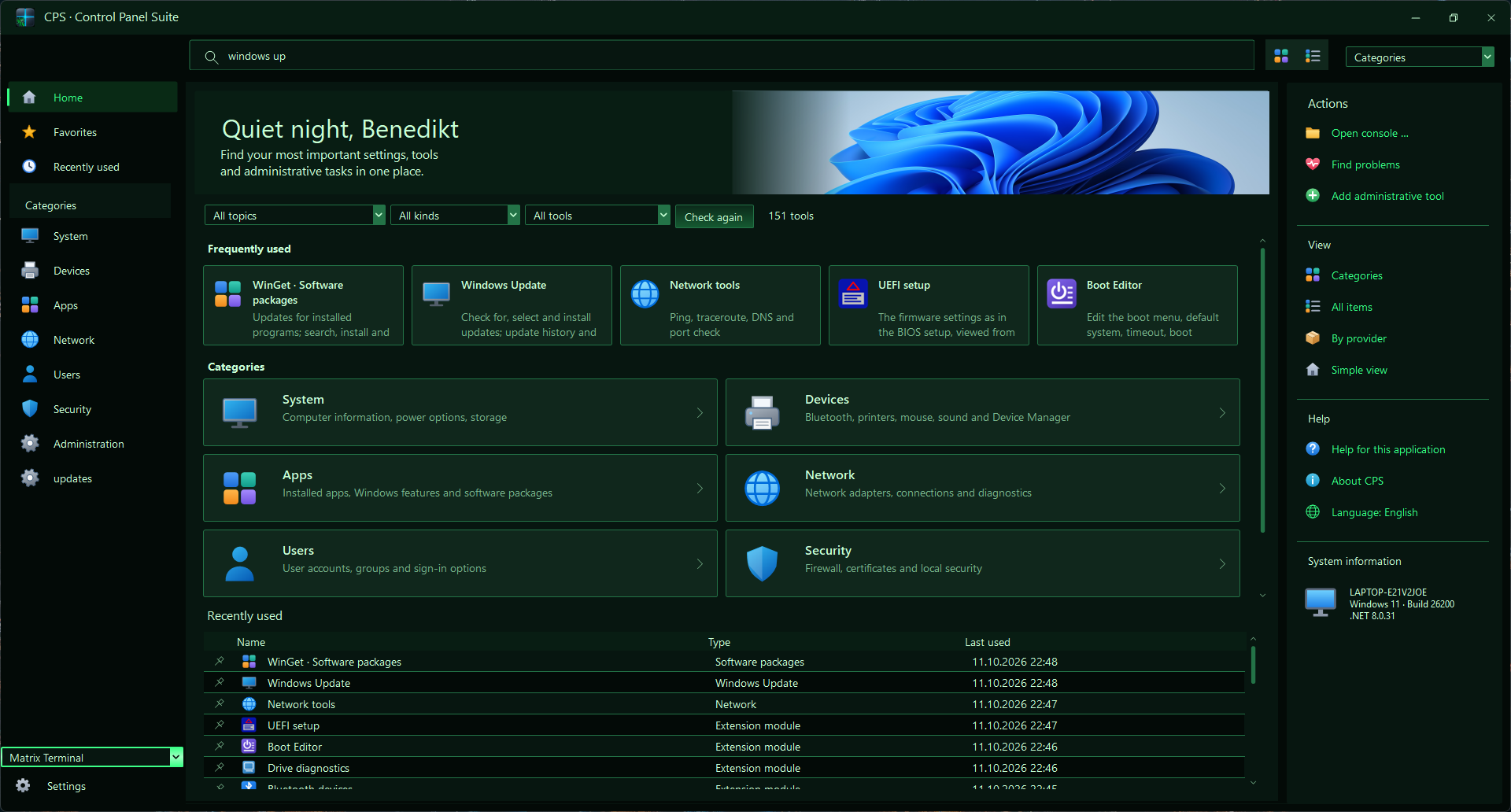
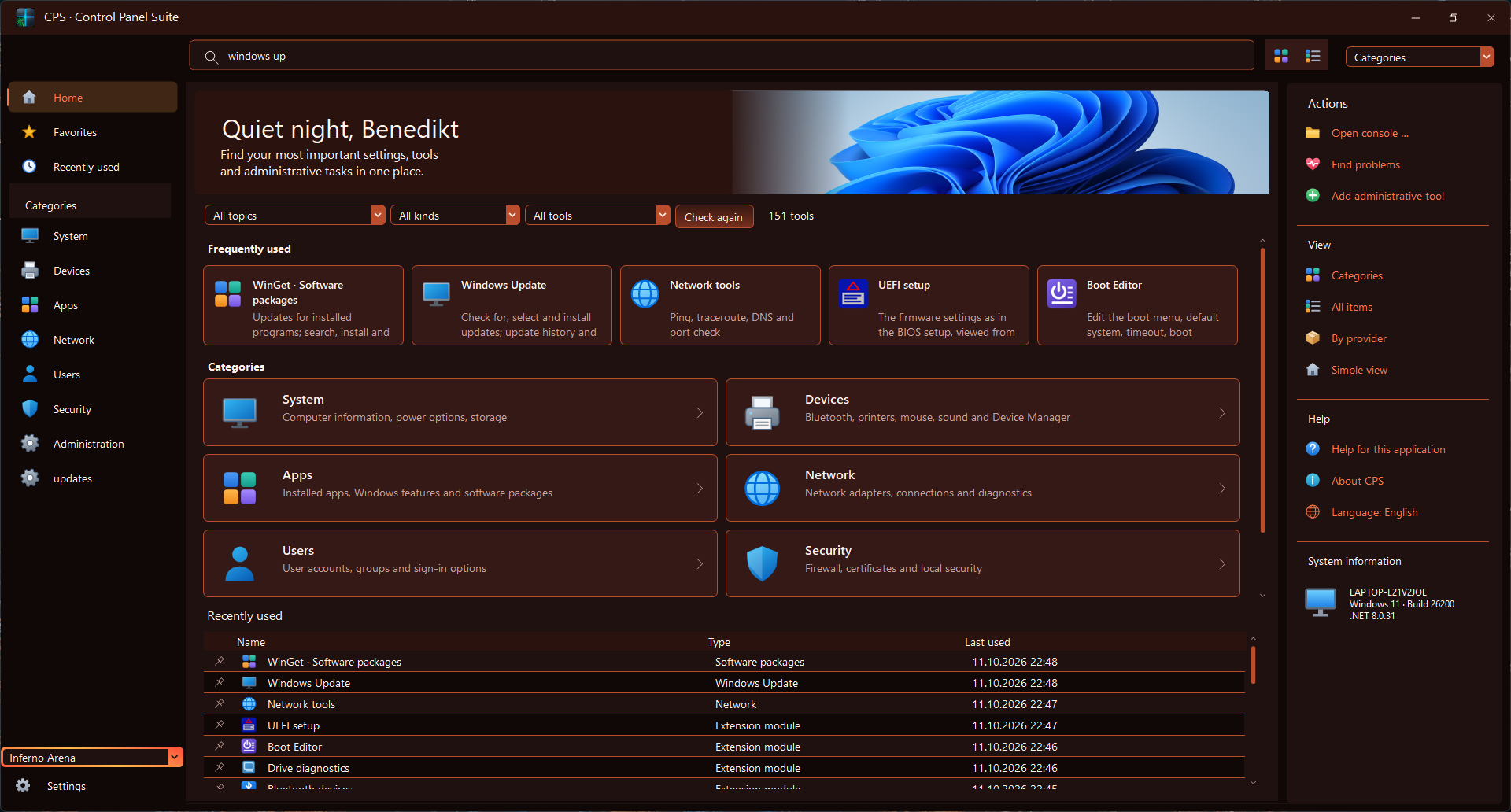
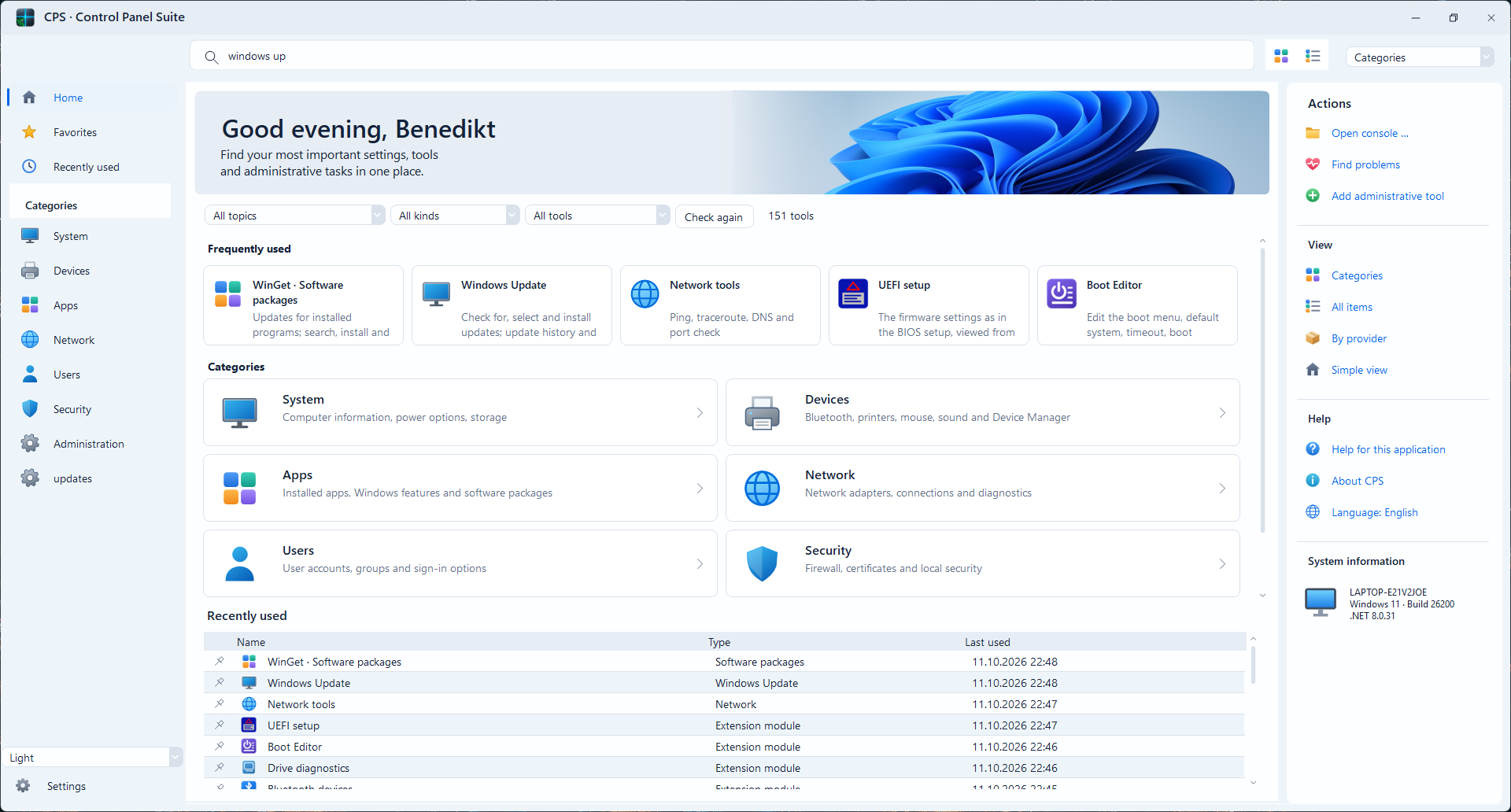
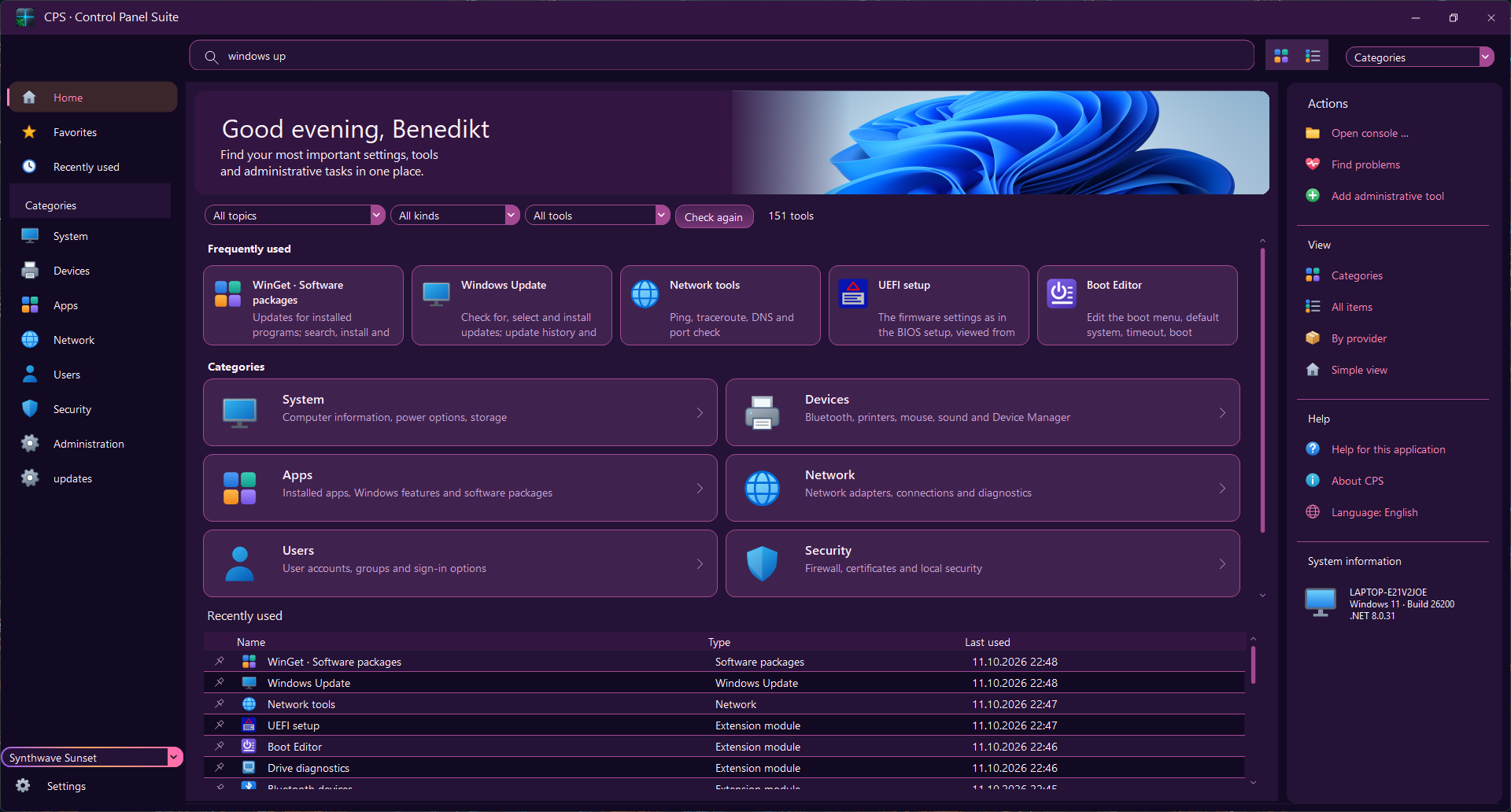
The CPS main window in different visual styles. Each image shows the same application with a different theme.
Technical baseline from the current CPS application project. Individual features may depend on Windows editions, installed components and device support.
These are technical minimums, not a verified compatibility matrix. Per-feature compatibility and memory/disk requirements have not yet been validated.
Get the current release from the project maintainers. A download appears here when a release URL has been configured.
Specific functions depend on version and supported hardware.Submit a reproducible bug report, an error message or a suggestion. Reports are stored in the local feedback database.